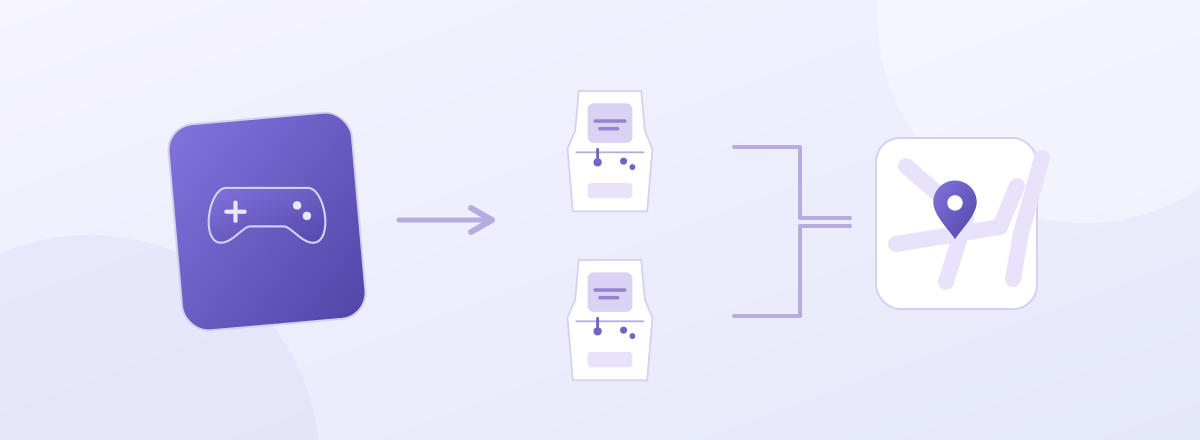
Game versions and cabinet models
Finding the right game version does not guarantee the hardware a visitor wants to use. Repeated requests to filter arcades by machine type exposed this gap. A list containing only software versions had no adequate way to describe hardware specifications.

Before separation: game series and installed machine types were selected in one list. Original English capture.
A cabinet is the hardware model running the game. For example, when one version runs on several models, visitors need to select both. Separate version and canonical cabinet IDs, connected through compatibility relationships, now support filtering and editing.
Compatible cabinets and price defaults
The catalog supplies compatible cabinet IDs, localized display names and cabinet-specific price defaults. Editors can offer suitable models and an initial price. Actual installations store the arcade’s confirmed value because a suggested default cannot guarantee local pricing.
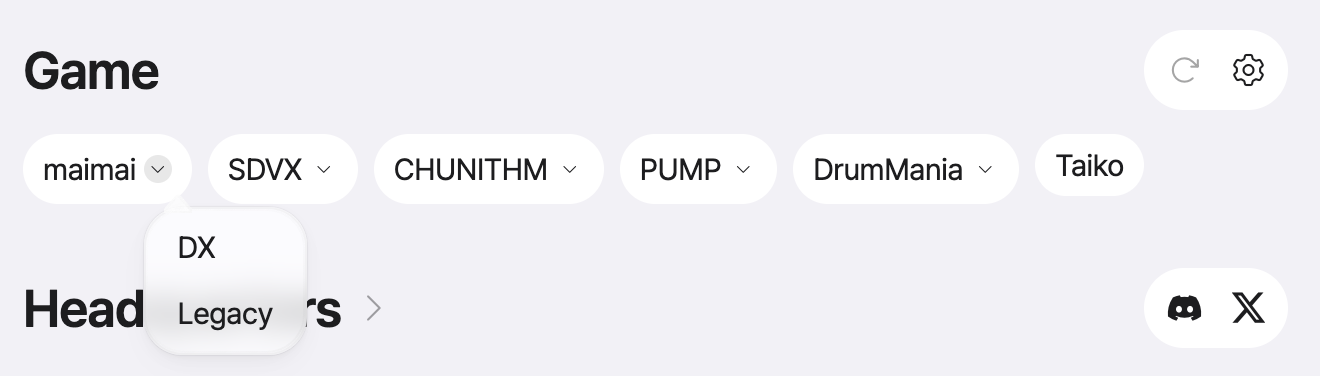
After separation: installed machine types are selected within a series. Original English capture.
An unconfirmed cabinet remains null. Filling it with a standard model would make a guess indistinguishable from a verified entry. Similar names are insufficient; contributors select a compatible canonical ID when it is known, leaving unknown entries available for later investigation.
Installations and historical migration
Although arcades share a product catalog, each installation has its own quantity, price and location. Its stable ID survives changes to price or version, while revisions retain the version and cabinet at each point in time. Reports and edit history can therefore keep referring to the same installation.
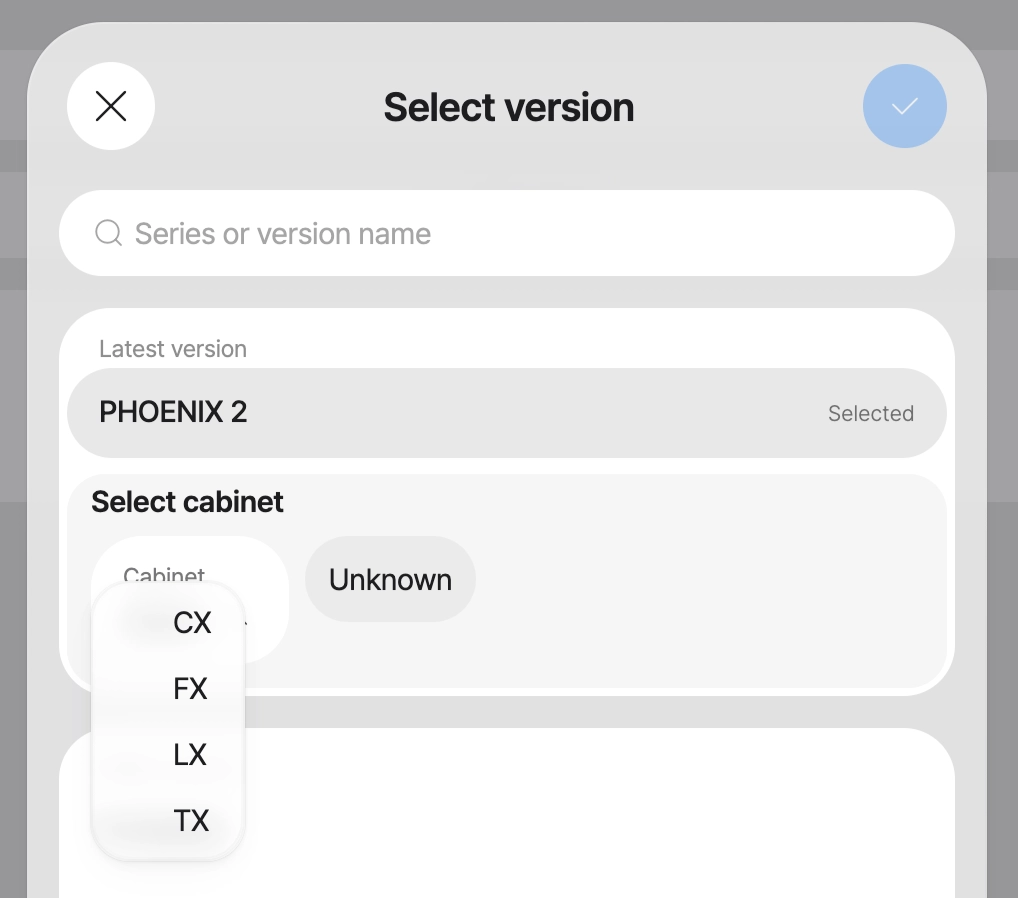
The input screen selects version and cabinet separately. Original English capture.
Migration uses a reviewed mapping and a fixed manifest. Candidate conversions are checked against historical references, quantities and coverage as well as the current list. Leaving a cabinet unknown must not break the history attached to its installation.
Filtering and on-site verification
Visitors and editors can now distinguish cabinets within the same version and receive model-specific price suggestions. Catalog renaming is also less likely to be confused with replacing a physical installation.
Separating the models does not resolve uncertainty in older information. Unknown cabinets still need on-site checks, and price defaults may change. Mapping and reference validation cost effort, but allow verified and unverified information to coexist explicitly.
Related articles and sources: Musecat engineering notes